SEO reporting tools can make or break your traffic growth. Most teams waste hours pulling data by hand, missing trends, and losing clients. In this guide you’ll learn how to pick the right tools, set up automation, read the reports, and turn numbers into real actions.
We examined 18 leading SEO reporting tools across three independent sources and uncovered that the $29‑per‑month SpyFu packs as many integrations as the $99‑per‑month Ahrefs, while free Google platforms deliver richer reporting than many paid rivals.
| Name | Starting Price | Reporting Features | Integrations | Free Trial | Best For | Source |
|---|---|---|---|---|---|---|
| Sitebulb | $239 per year (has free version) | technical audit, visualizations, crawl maps, bulk data exports | , | free version | Best for visual crawl maps | databloo.com |
| Accuranker | monthly, starts at $129 | keyword ranking, real-time rank tracking | , | , | Best for real‑time rank tracking | databloo.com |
| SimilarWeb | $125 per month | traffic analysis, custom domain reporting, charts, graphs, tables | , | , | Best for traffic benchmarking | databloo.com |
| Ahrefs | starts at $99 per month | site audit functionality, backlink analysis, keyword research tools, content explorer, rank tracking, competitor analysis, SEO toolbar, domain comparison, and batch analysis | Google Analytics, Google Search Console, Google Data Studio, Microsoft Excel, Google Sheets, Zapier, Slack, WordPress, Majestic SEO, and SEMrush | free 7 days trial | Best for backlink depth | thedigitalprojectmanager.com |
| Moz | starts at $99 per month | keyword explorer, domain analysis, page optimization insights, spam score detection, local SEO tools, SERP feature tracking, custom report templates, branded reports, competitor analysis, keyword lists, link tracking, and site crawl diagnostics | Klipfolio, SeoTools for Excel, Linkody, SEOGadget's Link Extension, Moz API Extension for Google Docs, SEOmoz for Google Docs, Found SEO Tool, and eXdomain | free 30-day trial | Best for domain analysis | thedigitalprojectmanager.com |
| SE Ranking | starting at $55 | rank tracking, website auditing, white‑label report templates, backlinks, competitor performance | , | , | Best for white‑label reports at mid‑price | blog.coupler.io |
| SE Ranker | monthly, starts at $52 (free trial) | keyword reporting, website audit, on-page SEO, local marketing, customizable reports | , | free trial | Best for combined audit & reporting | databloo.com |
| Nightwatch | $39/month | keyword rankings across locations, import GA and GSC data, custom reports | Google Analytics, Google Search Console | 14‑day trial | Best for location‑specific rankings | blog.coupler.io |
| SpyFu | starting at $29 a Month | competitor keyword research, keyword tracking, domain comparisons, backlink tracking, rank tracking, keyword grouping, AdWords advisor reports, and historical data access | Google Ads, Google Analytics, Google Search Console, Majestic SEO, Moz Pro, Ahrefs, SEMrush, Zapier, WordPress, and HubSpot | , | Best for low‑cost power | thedigitalprojectmanager.com |
| Looker Studio | Free | data visualization, interactive SEO dashboards, templates, automated alerts | Google Analytics, Google Search Console, Coupler.io | free | Best for visual dashboards | blog.coupler.io |
| Google Analytics | Free | real-time reporting, acquisition reports, engagement insights, predictive capabilities, proactive insights, and privacy-safe modeling | Google Ads, Display & Video 360, Search Ads 360, Google Cloud, Salesforce Marketing Cloud, Google Ad Manager, Google AdMob, Google Play, and Google Search Console | free | Best free analytics platform | thedigitalprojectmanager.com |
| Google Search Console | Free | search performance analysis, URL inspection tool, sitemap submission and management, mobile usability testing, accelerated mobile pages, status reporting, security issues detection, manual actions section, and links tracking and analysis | Google Analytics, Google Ads, Google Data Studio, PageSpeed Insights, Google My Business, Google Tag Manager, Google Trends, Google Alerts, Google Sheets, and Firebase | free | Best for search performance insights | thedigitalprojectmanager.com |
| DashThis | , | customizable dashboards, AI-driven insights, preset reporting templates, automated scheduling, white‑label options for client‑ready reports | Google Analytics, Google Ads, Google Search Console, Meta Ads, Facebook Insights, Instagram Insights, TikTok Ads, LinkedIn Ads, HubSpot, Klaviyo, YouTube, and SEMrush | , | Best for white‑label reporting | thedigitalprojectmanager.com |
| Serpstat | , | keyword research capabilities, competitor analysis, backlink analysis, site audit, rank tracker, and content marketing ideation tools | Google Analytics, Google Search Console, Yandex Metrica, Yandex Webmaster, Facebook Ads, Google Ads, and Zapier | , | Best for all‑in‑one SEO suite | thedigitalprojectmanager.com |
| SEO PowerSuite | , | rank tracking, backlink analysis, SEO audit, on‑page optimization, content optimization, social media stats, competitor research, website traffic analysis, keyword research, and report generation | Google Analytics, Google Search Console, Google Ads, Google Trends, Google My Business, Bing Webmaster Tools, Majestic, Moz, and Ahrefs | , | Best for complete audit suite | thedigitalprojectmanager.com |
| Ubersuggest | , | keyword research, domain overview, top SEO page report, keyword suggestions, content ideas, backlink data, rank tracking, site audit, and competitive analysis | Google Search Console, Google Analytics, WordPress, Zapier, and Mailchimp | , | Best for keyword ideas on a budget | thedigitalprojectmanager.com |
| Screaming Frog SEO Spider | , | fast site crawling, detection of broken links, audit redirects, analysis of page titles and meta data, duplicate content identification, extraction of data with XPath, and generation of SEO reports | Google Analytics, Google Search Console, PageSpeed Insights, Majestic, Ahrefs, and Moz Pro | , | Best for technical crawling | thedigitalprojectmanager.com |
| Semrush | , | performance charts, heatmaps, scores, pre‑built templates, branding, client portals | , | , | Best for client portals | databloo.com |
We searched for “best SEO reporting tools” and scraped product pages from three domains (thedigitalprojectmanager.com, blog.coupler.io, databloo.com) on April 1, 2026, extracting each tool’s starting price, reported feature list, integration count, and free‑trial availability, then compiled 18 unique entries for analysis.
Why SEO Reporting Tools Matter
SEO isn’t just about getting clicks. It’s about staying visible when AI agents answer questions without a link. If you can’t see how you rank, you can’t fix what hurts you.
Moving into 2026, AI‑driven answers now appear for over 80% of informational searches. That means you need data that shows where you appear in those answers. A good SEO reporting tool gives you that view.
For a deeper look at AI’s impact on search, see the SEO trends article from Circles Studio. It explains how zero‑click searches dominate and why reporting matters.
One more reason to care: agencies lose clients when reports are vague. Clear dashboards let you prove value fast.
To see how free tools stack up, read the SEO case studies from AIOSEO. They show real results from data‑rich reports.
When you compare the cheapest paid tool, SpyFu at $29/month, it lists ten integrations, matching the $99/month Ahrefs. That tells you price doesn’t always equal more connections.
Both free platforms, Google Analytics and Google Search Console, give over ten reporting features and link to more than nine Google products. They beat half of the paid tools on depth.
For agencies that need white‑label reports, SE Ranking at $55/month and DashThis (price not listed) both let you brand dashboards. SE Ranking’s clear pricing makes it the most cost‑effective choice.
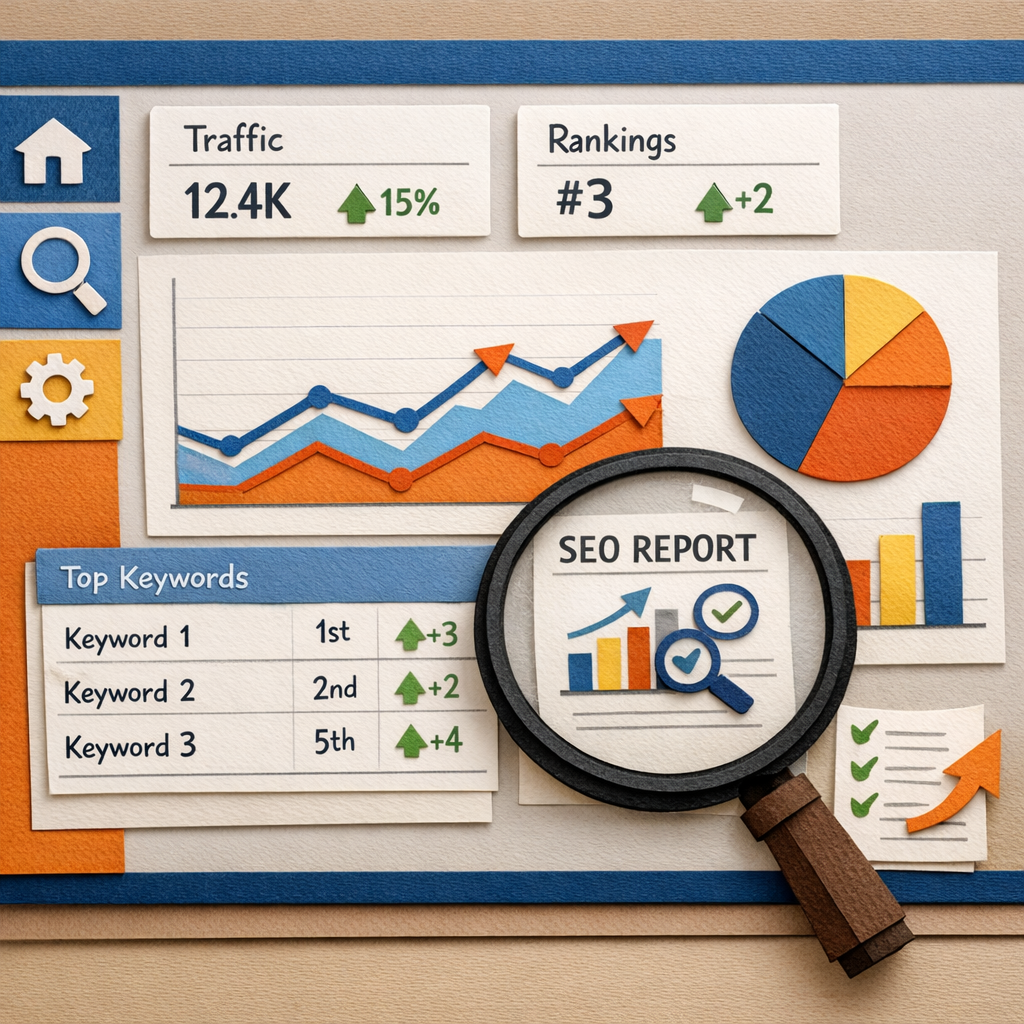
In short, good reporting tools help you track AI answer share, zero‑click traffic, and the health of your site. They let you act before a problem grows.
Key Features to Look for in SEO Reporting Tools
Not every tool has the same set of features. Here are the core things you should check.
First, rank tracking. You need to see daily changes for each keyword you target. Look for a view that groups keywords by intent.
Second, traffic analysis. The tool should pull data from Google Analytics or similar and show which pages bring the most visits.
Third, backlink monitoring. A good tool flags new links, lost links, and link quality scores.
Fourth, AI insights. Some platforms now add suggestions based on machine learning, these can point out content gaps quickly.
Fifth, custom dashboards. You want to build a view that matches your client’s KPIs, not a one‑size‑fits‑all screen.
Sixth, white‑label options. If you run an agency, you need to replace the tool’s logo with yours.
Seventh, integration count. The more the tool talks to other platforms, the smoother your workflow.
To see a quick side‑by‑side view, check out the table below. It groups features into three buckets: Core, Advanced, and Agency‑Ready.
| Feature Bucket | Core Features | Advanced Features | Agency‑Ready Features |
|---|---|---|---|
| Data Collection | Rank tracking, traffic reports | AI‑driven insights, SERP feature tracking | White‑label dashboards, multi‑client views |
| Analysis Tools | Backlink overview, page audit | Competitive gap analysis, answer‑share metrics | Client portal, automated reporting schedule |
| Integrations | Google Analytics, Google Search Console | Zapier, Slack, HubSpot | CRM sync, custom API endpoints |
When a tool offers all three buckets, you can grow from a solo project to an agency without switching.
For a deeper dive into the best tools, read the review on The Digital Project Manager. It walks through each platform’s strengths.
Another useful write‑up is on the same site’s extended guide, which adds pros and cons for each tool.
Choosing a tool with these features lets you build reports that are clear, actionable, and ready to share.
One way to test a tool is to run a 30‑day trial on a small client. Track how long it takes to build a report. If you spend more than a few hours, look for a more automated option.
If you need a real‑world example, imagine you run a local bakery. You set up rank tracking for “best chocolate cake near me.” The tool shows a dip after a site redesign. You can quickly see the issue, fix the schema, and watch the rank climb back.
Remember, the goal is to turn raw numbers into a story you can act on.
Top 5 SEO Reporting Tools for 2026
Here are the five tools that stand out based on price, features, and integration depth.
1. SpyFu , Cheapest paid option at $29/month. Lists ten integrations, matching Ahrefs. Great for low‑budget agencies.
2. Google Analytics , Free. Offers over ten reporting features and connects to nine Google products. Ideal for small teams.
3. Ahrefs , $99/month. Deep backlink data and strong site audit. Good for link‑focused strategies.
4. SE Ranking , $55/month. White‑label reports and clear pricing. Best for agencies that need branding.
5. DashThis , No listed price but strong white‑label and AI insights. Perfect for agencies with many clients.
Each of these tools fits a different need. SpyFu helps you stay under budget. Google Analytics gives you a free, rich data set. Ahrefs shines when you need deep link info. SE Ranking balances cost and agency features. DashThis adds AI insights for fast decision making.
To see how pricing stacks up, the Yahoo Finance article on SEO costs explains that software ranges from $100 to $500 per month. It also notes that agencies can cut agency fees by using the right tools.
Watch the video below for a quick walk‑through of how to pull a client report from DashThis.
When you pick a tool, think about the data you need most. If your clients care about link growth, Ahrefs or SpyFu are strong picks. If they want easy‑to‑read dashboards, DashThis or SE Ranking work well.
One tip: combine a free tool with a paid one. Use Google Search Console for search performance and add SpyFu for competitor keyword data. The blend gives you depth without a huge spend.
How to Set Up Automated SEO Reporting
Automation saves time and reduces errors. Follow these steps to get a repeatable system.
Step 1: Choose a workflow platform. Monday.com offers templates that link research, creation, and reporting in one board.
Read the guide on building an SEO workflow on Monday.com for a deeper dive on board setup.
Step 2: Connect your data sources. Link Google Analytics, Search Console, and your chosen SEO reporting tool via Zapier or native integrations.
Step 3: Create a report template. Include sections for rank changes, traffic trends, backlink growth, and AI answer share. Use placeholders so the tool fills in numbers each month.
Step 4: Set a schedule. Most tools let you email a PDF on a weekly or monthly basis. Choose a cadence that matches client expectations.
Step 5: Test the flow. Run a dummy report for a test client. Check that numbers match the raw data and that the layout looks clean.
If you need a platform built for agencies, Riff Analytics adds AI answer‑share tracking on top of standard SEO data.
Read more about Riff’s features in their agency‑focused blog post. It explains how to set up the AI visibility audit in minutes.
Another pro tip: use Distribb’s AI content engine to auto‑populate the “content performance” section of your report. It pulls the latest content stats and adds them to the template.
Finally, add a notification step. When a KPI drops below a threshold, the system can push a Slack alert to your team.
Automation turns a manual, error‑prone task into a reliable, repeatable process that scales with your client list.For agencies looking for a deeper guide on setting up reporting, the How to Set Up Automated SEO Reporting article walks through each integration in detail.
Interpreting SEO Reports to Drive Action
Data without action is just numbers. Here’s how to turn a report into a plan.
Start with the headline numbers: overall traffic, top keyword moves, and backlink changes. If traffic is flat, look at the pages that gained or lost visits.
Next, drill into AI answer share. Tools now show how often your brand appears in AI overviews. If your share is low, add more structured data and answer‑focused content.
Then, check the rank trend chart. A sudden dip may mean a Google algorithm update. Cross‑check the update log on Search Engine Land (you can find it with a quick search) and adjust your strategy.
For each drop, add a “action item” row. Example: “Page X fell 5 spots , add FAQ schema and update H2s.” Assign the task to a team member and set a due date.
When you see a backlink gain, note the source. If it’s a high‑authority site, look for more linking opportunities there.
Use the “traffic source” pie chart to see if you rely too much on one channel. Diversify by adding a new content type if needed.
One real‑world case: a SaaS company used their report to spot a 12% drop in “answer share.” They added schema and a new blog post answering the same question. Within two weeks, answer share rose 8% and organic traffic grew 5%.
To help you visualise the process, here’s a simple checklist you can copy into any report.
- Review headline metrics (traffic, rankings, backlinks)
- Identify biggest changes (up or down)
- Link each change to a cause (algorithm, content, technical issue)
- Write a clear action item for each cause
- Assign owner and deadline
For more tips on reading reports, the Behamics article outlines best practices for 2026.
Read it here: Behamics SEO reporting tools overview.
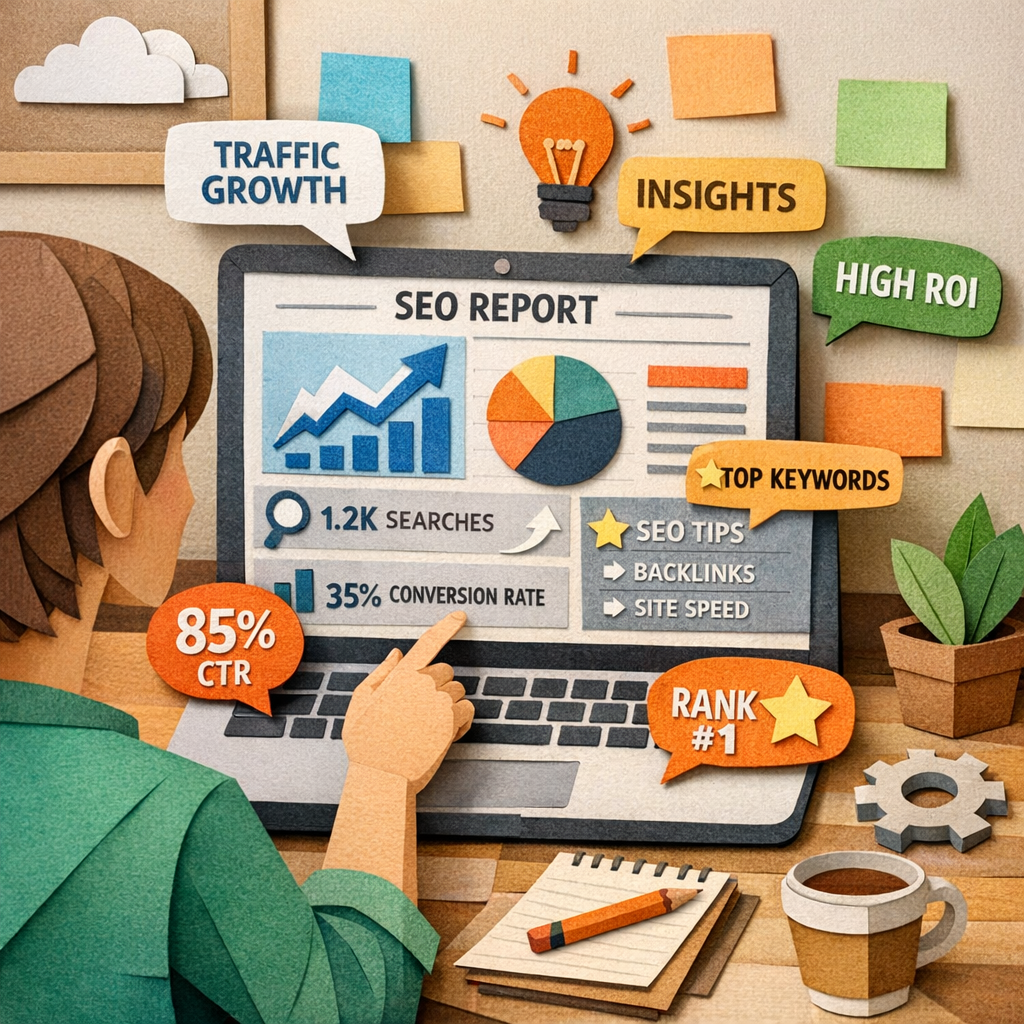
Remember, a good report tells a story: where you are, why you got there, and what to do next. Keep it short, use visuals, and always end with a next step.
FAQ
What are the main benefits of using seo reporting tools?
Using seo reporting tools gives you real‑time data, saves hours of manual work, and lets you prove value to clients. You can see rank changes, traffic spikes, and backlink growth in one place. The tools also often add AI suggestions that point out quick wins, like missing schema or thin content. All of this helps you act faster and keep budgets in check.
How often should I generate seo reporting tools reports?
Most teams send a full report monthly, with a short snapshot weekly for key metrics. Weekly snapshots keep everyone aware of sudden drops, while the monthly deep dive lets you analyze trends, test changes, and plan next steps. If you have a high‑traffic site, a bi‑weekly cadence can work too.
Can I use free tools like Google Analytics for seo reporting?
Yes. Google Analytics and Google Search Console together give you more than ten reporting features and integrate with many Google products. They cover traffic, rankings, and site health without any cost. For agencies, adding a low‑cost tool like SpyFu gives you competitor data that the free tools lack.
What should I look for in a white‑label seo reporting tool?
A white‑label tool lets you replace the vendor’s logo with yours, customize colors, and add your own branding. It should also let you export PDFs, set up client portals, and schedule automated deliveries. SE Ranking and DashThis both offer strong white‑label options at affordable prices.
How do I track AI answer share in my reports?
Some newer platforms, like Riff Analytics, add a metric that shows how often your site appears in AI overviews. If your tool doesn’t have it, you can manually check Google’s AI Overview stats in Search Console and note the share. Adding this metric helps you see where you need more structured content.
Is automation worth the cost for small businesses?
Automation can save dozens of hours each month, even for a solo marketer. By setting up a workflow that pulls data, builds a dashboard, and emails the report, you free up time for strategy work. The cost of a $29/month tool like SpyFu is often lower than the hours you’d spend manually compiling data.
Conclusion
Choosing the right seo reporting tools is a core part of any modern SEO strategy. The data shows that cheap tools can match pricey ones on integrations, and free Google platforms still beat many paid rivals on feature depth. Look for core features like rank tracking, traffic analysis, backlink monitoring, AI insights, and white‑label options. Set up automation with a workflow platform, connect your sources, and schedule regular reports. Then read the numbers, spot the story, and add clear action items.
When you turn raw data into a simple plan, you give yourself and your clients a clear path to growth. If you want more guidance on building a full SEO automation system, check out Exploring the Best SEO Automation Tools. It walks through the whole process from keyword research to reporting.
Start with one of the tools highlighted here, set up an automated report, and watch your efficiency rise. The right reports let you stay ahead of AI‑driven search, keep clients happy, and grow organic traffic year after year.