AI generated Instagram captions are changing the way brands talk to followers. They cut the guesswork and keep the feed fresh.

Writing a fun line for every post can feel like a grind, especially when you juggle launches, promos, and chats. Imagine a boutique shoe shop that needs a fresh caption daily but only has two hours.
Instead of staring at a blank screen, the owner types a quick prompt and lets the AI spin out three options in seconds. She picks the one that feels right, tweaks a word, and schedules it.
You can try a handful of free caption generators on Distribb’s Free SEO & Social Media Tools - Distribb page to see how the AI adapts to your brand voice.
For event planners looking to boost engagement, the guide Mirror Photo Booth Rental: 7 Must‑Know Tips for an Unforgettable Event shows how catchy Instagram captions can turn a photo booth post into a viral moment.
Here’s a simple plan: 1) pick the core idea, 2) write a one‑sentence AI prompt, 3) choose the option that feels most human, 4) add a hashtag or two, and 5) schedule it.
Step 1: Define Your Brand Voice
Before the AI can write captions that feel like you, you need to tell it who you are. Think of your brand voice as the tone you use when you chat with a friend over coffee.
Start by writing three short sentences that capture your vibe. One might be playful, another professional, and a third a mix of both. Keep each sentence under ten words. This tiny cheat sheet becomes the prompt you feed the AI.
Next, list the words you love and the ones you avoid. If you’re a sneaker shop, words like “kick” and “fresh” work. Skip jargon like “synergy” or “optimize”. The AI will mirror the words you highlight.
Try a quick test: ask the AI for a caption using your cheat sheet. If the result feels flat, tweak the list until it clicks. Many digital marketers find that a 5‑minute tweak saves hours later.
For a deeper walk‑through, see our guide How to Create AI Generated Social Media Posts That Drive Engagement.
When you’ve locked in the voice, write a one‑sentence prompt that packs the mood. Example (hypothetical): “Write a fun, witty Instagram caption for a new sneaker drop that sounds like a teen‑friendly street‑style blog.” The AI will now spin options that match your brand.
Don’t forget to check the output for brand‑fit. If a word feels out of place, replace it. Over time you’ll build a tiny library of favorite phrases to feed the AI.
For more on how tone guides visual tools, read Everything You Need to Know About 360 Video Booth Rental. It shows how a clear voice can lift any visual content.
If you’re planning a big event, the guide How to Choose the Perfect Prom Photo Booth Rental for an Unforgettable Night reminds you that a consistent voice ties the whole experience together.
Step 2: Choose the Right AI Tool
Now that your voice is set, you need a tool that can turn that voice into quick captions. The market is full of options, but not all of them fit a busy marketer or a small shop.
Ask yourself what matters most: does the tool learn your tone over time, does it read the image you upload, or does it give you a low‑cost pay‑per‑caption plan?
Three‑step checklist
1. List your must‑haves. For a sneaker shop you might need slang support and fast turn‑around. For a SaaS blog you may want keyword hints.
2. Test a free trial. Try a few prompts and see if the output feels like your brand. Automate Social Media Posting and Reclaim Your Time - Distribb shows how a test can fit into your workflow.
3. Compare cost vs output. Some tools charge per credit, others a flat monthly fee. Pick the one that lets you scale without breaking the bank.
Below is a quick comparison of three popular choices that showed strong results in a recent Sima Labs study.
| Tool | Key feature | Notes |
|---|---|---|
| Later Caption Writer | Learns your past captions | Good for brands that post often |
| Canva Magic Write | Analyzes the image you upload | Free tier gives 50 queries a month |
| Pippit | Adjusts tone on the fly | Works for witty or professional styles |
The Sima Labs report notes that AI‑generated captions can lift engagement by about 23 % when the right tool is used (Sima Labs study). That boost only happens if you pick a tool that matches your needs.
For a visual‑first brand, you might also read How to Choose the Perfect Wedding Photo Booth Rental: A Step‑by‑Step Guide to see how a clear visual style pairs with strong captions.
If you’re planning a graduation shout‑out, Photo Booth Rental for Graduation Party: A Step‑by‑Step Guide offers tips on matching tone to the event vibe.
Step 3: Craft Captions That Drive Engagement
A boring caption kills a good post. You need words that spark a reaction.
Keep it short enough to read at a glance, but add a hook that begs a reply. Ask a question, drop an emoji, or throw in a quick call to action.
Start with a one sentence prompt that tells the AI the vibe, the audience, and the goal. For example: “Write a playful Instagram caption for a new sneaker drop that feels like a teen style blog.”
If you want a cheat sheet of prompt ideas, check out our AI social media automation tool guide for 2026.
A sneaker shop could get three options in seconds, pick the one that mentions “fresh kicks” and add #SneakerDrop.
Run the same prompt with a different tone, witty, serious, or nostalgic, then compare the engagement stats after a week. Swap out the emoji or tweak the CTA and watch the likes climb.
Buffer notes that a well crafted caption can move the algorithm more than the image alone.
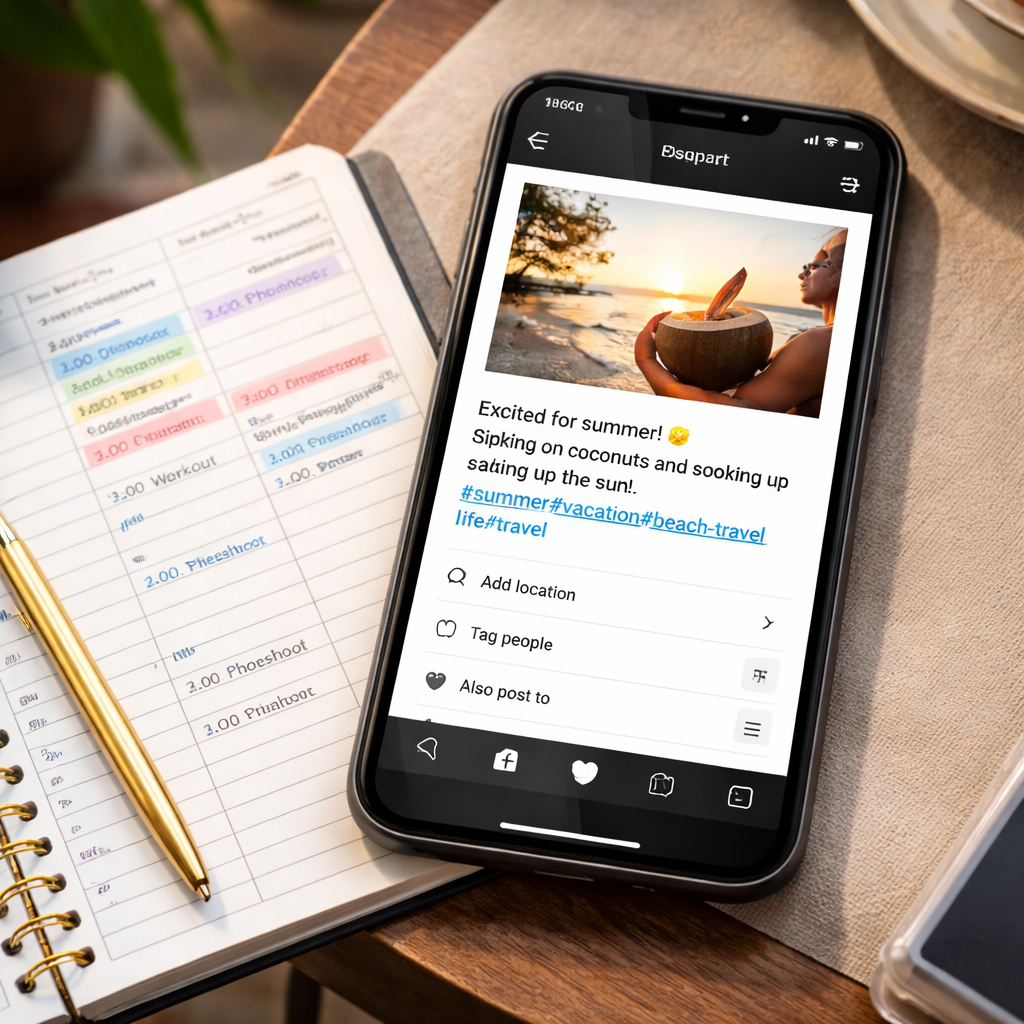
For a fun way to pair visual flair with captions, see Photo Booth Rental Murrieta: A Complete Guide for 2026 Events.
If you’re targeting a coastal crowd, the Complete Guide to Photo Booth Rental San Diego shows how location specific wording can boost interest.
Hooshina explains that AI can suggest a mix of niche and trending tags, then you fine tune them to stay under the 30 tag limit.
The Sima Labs study showed a 23 % lift when captions matched the audience, so keep testing and tweaking your lines.
Consistency beats perfection every time.
Step 4: Optimize and Schedule Your Posts
Now your AI generated Instagram captions are ready, it’s time to make them work for you. A good caption alone won’t win if it never shows up at the right moment.
First, add a keyword or two that match what people type in Instagram’s search. Even a single word like “sneaker drop” can help the platform’s AI tag your post correctly.
Next, pick the best time to post. Look at when your audience scrolls – usually mornings and evenings. If you’re not sure, a quick check of your insights will show the highest engagement hours.
So, what should you do next?
Use a simple checklist:
- Proofread the caption. Keep it under 125 characters for quick reads.
- Attach 1‑2 relevant hashtags. Stay under the 30‑tag limit.
- Schedule the post in your calendar tool. Aim for at least three posts a week to stay visible.
Here’s a quick example for a boutique shoe shop: the AI writes, “Fresh kicks just landed – tap to shop! 👟 #SneakerDrop”. You add the hashtag #FreshKicks and set the post for 9 am on Tuesday, when your followers are most active.
Want a visual guide? Watch the short walkthrough below. It shows how to drop a caption into a scheduler and set the time slot.
After the video, double‑check the “linger‑factor”. Instagram’s algorithm rewards posts that keep people on the screen longer. Adding a question or a call‑to‑action, like “Which color would you rock?”, can boost that time.
Enji’s guide on AI caption generators suggests testing a few variations and noting which one gets the most comments (best‑practice tips). Use that insight to refine future captions.
Finally, keep an eye on the algorithm signals Hootsuite describes – likes, comments, shares, and watch time (Instagram algorithm overview). If a post spikes, schedule similar content soon after to ride the wave.
By tweaking keywords, timing, and a quick CTA, your AI generated Instagram captions will reach more eyes and spark more action.
Conclusion
You’ve seen how AI generated Instagram captions can save time and spark more clicks.
The trick is to keep the voice real, add a quick hook, and post when your fans are scrolling.
Pick a tool that learns your style, test a couple of options, then lock in the one that feels most like you.
Drop a hashtag or two, toss in a short question, and schedule it for peak hours.
If you want a smoother workflow, a platform like Distribb can pull the captions straight from your article and line them up in a calendar.
So, what’s next? Grab your prompt sheet, fire off a few AI runs, and watch the likes climb.
Remember, the best captions are the ones that sound human, not robot.
Keep tweaking the copy as you learn what your audience replies to, and the growth will keep coming.
Start today and see the difference in your feed.
FAQ
How do AI generated Instagram captions save me time?
AI generated Instagram captions cut the typing grind. You feed the tool a short prompt, it spits out three options in seconds. Pick the one that sounds like you, tweak a word, and you’re ready to post. No need to stare at a blank box for minutes. The whole loop can fit into a coffee break, freeing you to focus on visuals or strategy.
What kind of prompt works best for AI generated Instagram captions?
Keep the prompt short and clear. Mention the product or event, the vibe you want, and any must‑have tag. For example: “Write a playful caption for a new summer dress drop that feels like a friendly chat.” The AI then uses that tone and drops a hook you can edit. The clearer the prompt, the more on‑brand the results.
Can AI generated Instagram captions keep my brand voice?
Yes, if you give the AI a cheat sheet of your voice. List three short sentences that show your tone—fun, professional, or a mix. Add key words you love and words you avoid. The tool learns those cues and mirrors them in each caption. You still review the output, but most lines will already feel like you wrote them.
How often should I refresh AI generated Instagram captions?
Treat captions like a living list. Update them whenever you launch a new product, run a promotion, or notice a drop in engagement. A quick monthly audit works for most small brands—scan the past month’s posts, note which lines got likes or comments, and ask the AI to rewrite the weak ones. Fresh wording keeps the feed lively and the algorithm happy.
Do I need to add hashtags manually to AI generated Instagram captions?
You can let the AI suggest a couple of tags, but keep the list short and relevant. Pick one or two core hashtags that match your product and add a niche tag that your audience uses. Too many tags look spammy and can hurt reach. A manual tweak ensures the caption stays on brand and the hashtags stay purposeful.
What are common mistakes when using AI generated Instagram captions?
First, forgetting to proofread. The AI may slip in a typo or use a word that feels off‑brand. Second, over‑relying on the tool for every post; mix in genuine, handwritten lines to keep the feed human. Third, ignoring the platform’s character limit—keep captions under 125 characters for quick reads. Fix these and you’ll get steady engagement.